Soup Raiders: Jailbreak - patch 2019
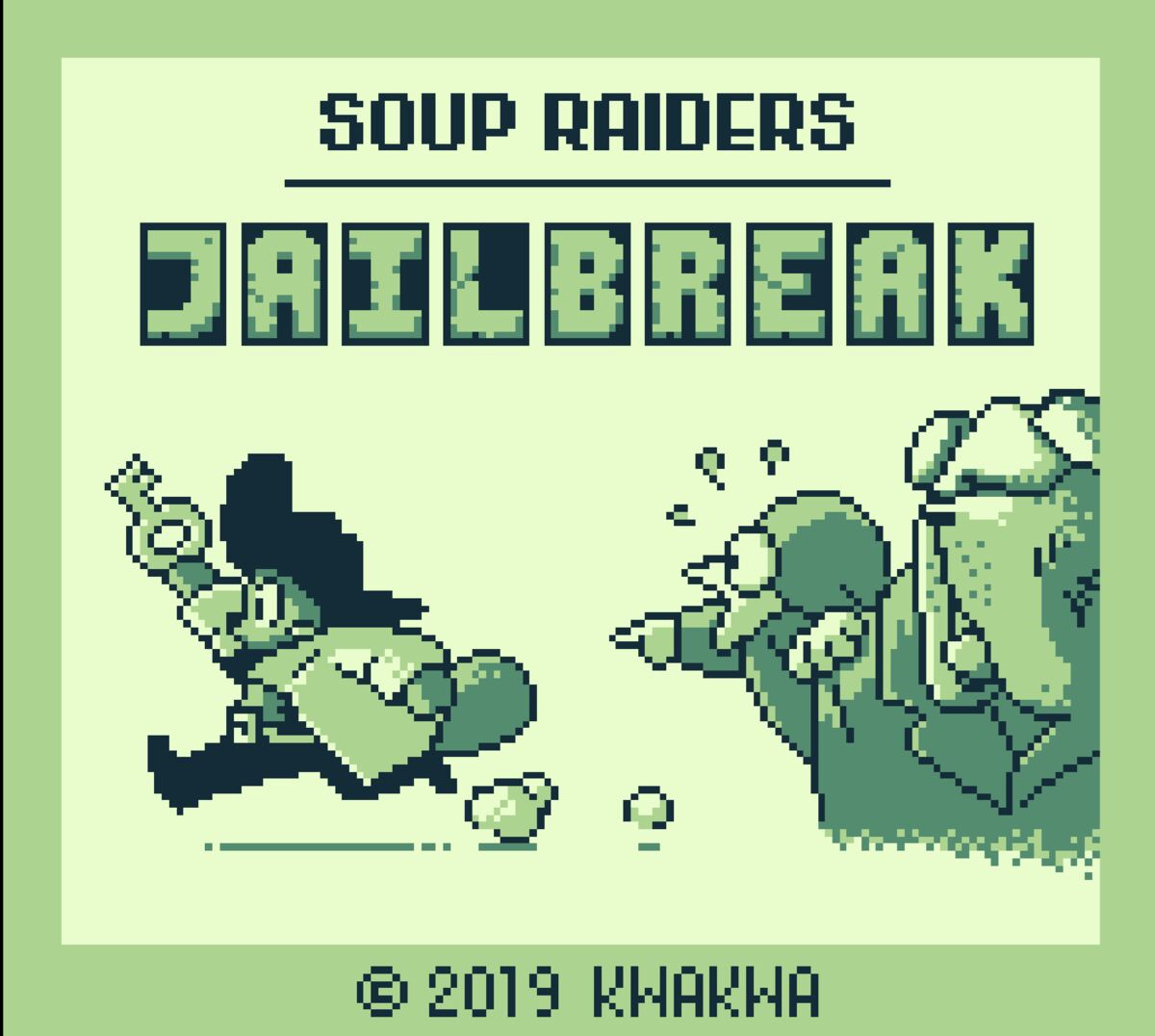
A while ago, I made a gameboy game with Alexis Simonetta, you can find the post-mortem here. At the end, I was very happy with the result, but the more I looked into it, I could only see the flaws of it. So I took some time to rework on it and learning some things on the way.
Remainder of the division
First, I did not know, but the % operator is actually the remainder of the division, so it performs a division and the gbdk compiler emulated this instruction. Especially in example like:
levels[currentLvl]->enemy->timer %2 == 1
The timer increases each frame, but what I actually want to know is if it is odd. So instead of this, I can write:
levels[currentLvl]->enemy->timer & 1 == 1
A simple bitwise, no division emulation, way faster on gbdk (any modern compiler would optimized it, but I make a gamboy game with a 2006 compiler).
New level deisng tools
After fixing all the % in the game screen (which is most of the gameplay), I went on adding a level editor for the game. I used Tiled, but there were two problems to solve to use it:
- Export the current content of the game (tileset, etc…) that was written in binary format for gbdk, not a jpg/png.
- Import the json (or any other format) coming out of Tiled to put it in binary or compilable format for gbdk.
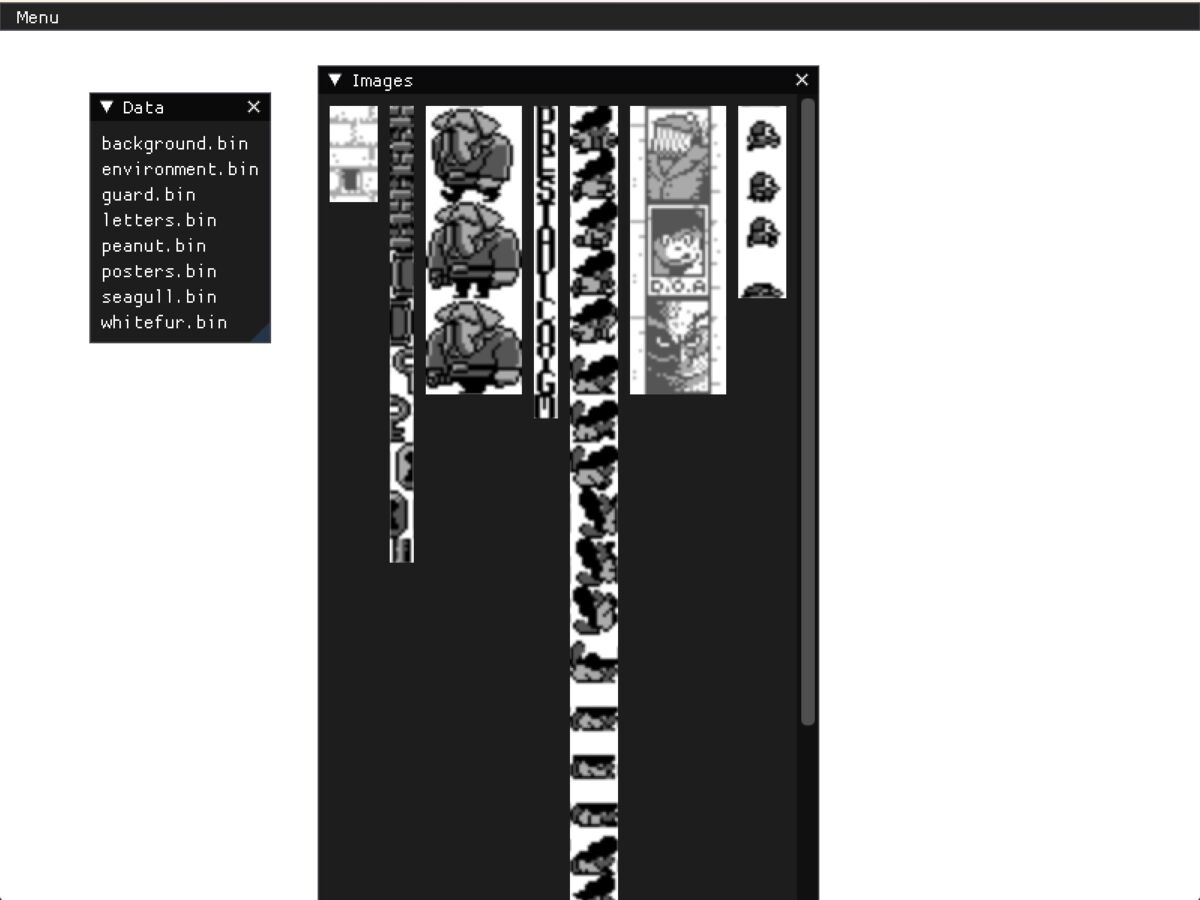
For 1., I created a script called bin2png.py that takes an asm file coming our from GBTD.exe (the tool used to create tilemap for gbdk) and like the name implies, exported it in PNG. As those assets don’t really change, it is a quick operation to be used with this GUI tool:
For 2., the exported json is given to a script named json2c.py that will generate a .c file that can be compiled by gdbk into the rom.
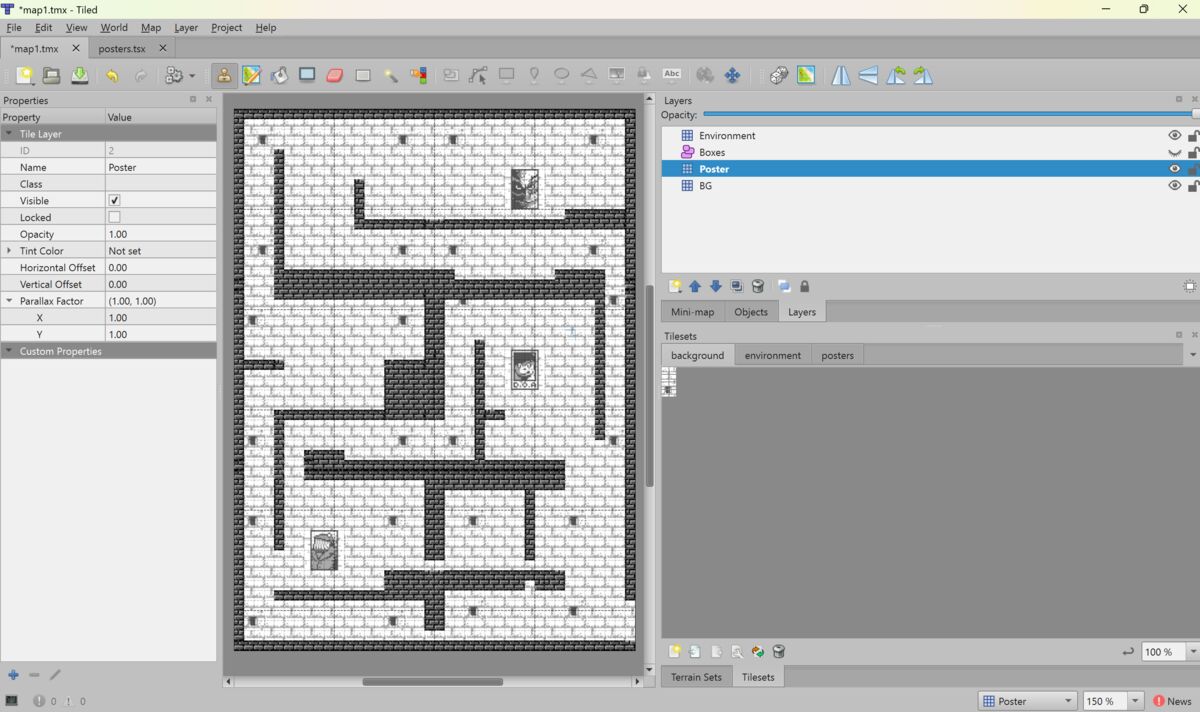
With those new tools, I could change some of the level design. In the previous version, if the player character was holding a key and the player character would press down, the player character would lose its key and the key would go back to its original position (in its own scene, even if not on screen). In the new version, the player character will keep its key, even if the player presses down, but it meant that I could not have a situation where the player could get stuck. So I changed the levels to make it the only way to open the next door.
Clipping through walls
There was a bug where depending on your velocity, you could go through a wall in a corner. I obviously fixed this bug as well, making physics a bit more reliable.
The hardest bug
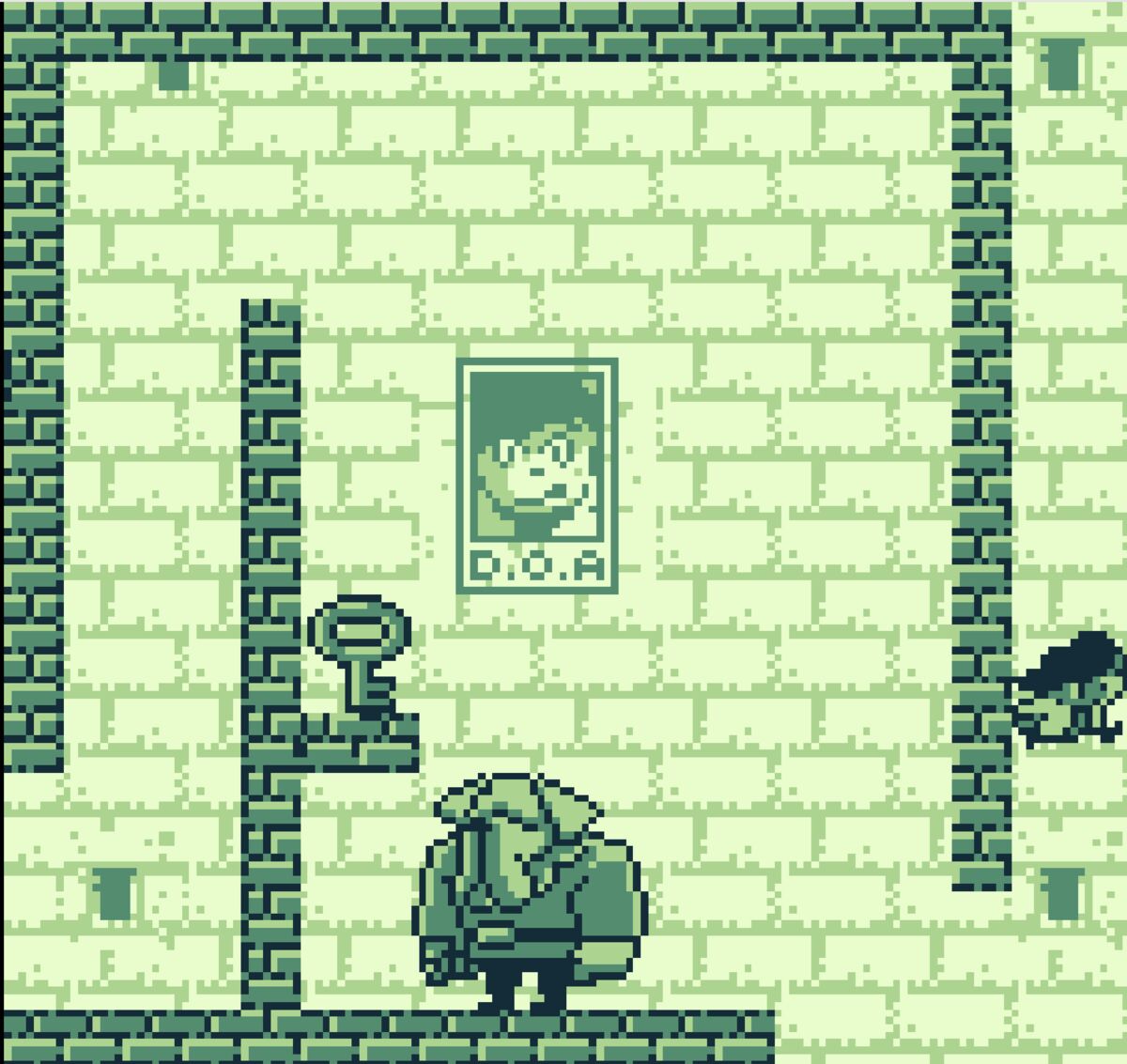
There was one bug that took some time for me to fix. Alexis made a big doggy guard enemy (32x32 pixels which is pretty big for the gameboy’s 144x120 pixels screen). I wanted to show it on screen, so I naively implemented the lines that where needed for this:
move_sprite( sprite_index+0U, levels[currentLvl]->doggy->box.x+8U, levels[currentLvl]->doggy->box.y-24U+8U);
move_sprite( sprite_index+1U, levels[currentLvl]->doggy->box.x+8U, levels[currentLvl]->doggy->box.y-16U+8U);
move_sprite( sprite_index+2U, levels[currentLvl]->doggy->box.x+8U+8U, levels[currentLvl]->doggy->box.y-24U+8U);
...
However, what happened is that I got a white screen when running the rom. So I remove one line after the other and it finnaly worked when I showed 6 out of the 16 tiles. Commenting out the 7th line or any other following line would make the game crash at startup. I finally got the lightbulb lighting up in my head when I realized that gdbk was trying to put a function too big into a rom that did not like it, but instead of an error, it just compiled. So I simply separated the animation function into smaller functions and moved the doggy animation function into another rom bank. That did the trick and now I have a big invincible doggy guard in the game.
Drawing backgrounds
The last optimization had to do with how we draw backgrounds on gameboy with gbdk. With gbtk.exe, one can export a jpg/png directly to gdbk, and then use this simple function to draw all over the screen:
draw_image(title_screen_tiledata);
It’s pretty convinient, but it is pretty expensive. The jam version was actually lagging during the title screen. So the simple answer would be to make it a background image instead. It is not that easy. The screen is divided in tiles of 8x8 pixels, which means that for a screen of 144x120 pixels, this is 18 x 15 tiles, which is a total of 270 tiles. However, to show a background, you can only use a UBYTE with values ranging from [0, 255]. Fortunately, a lot of tiles are very similar, so I made a script call merge_gbs.py that merge similar tiles. This makes the same background coming out from GBTK.exe to run much faster.
What’s next ?
- Add more levels, more enemies
- Optimize memory use (move some things from RAM to ROM)
It was fun coming back to my gameboy game and fix most of the things.